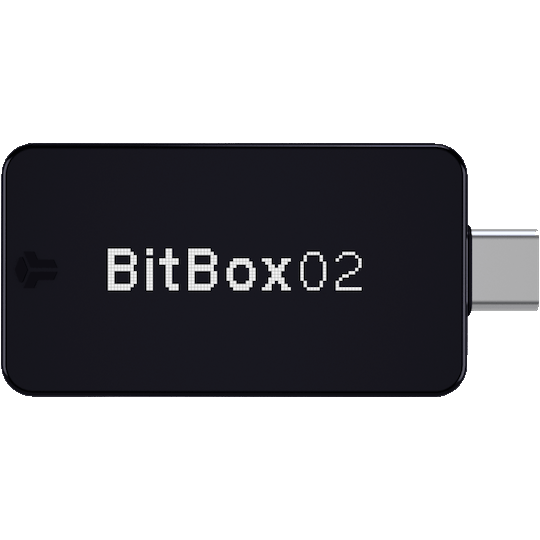
Key Features of the BitBoxApp
- Device Management: Setup, update firmware, and manage backups for your BitBox02.
- Portfolio Tracking: Real-time balance and transaction history for BTC, ETH, and ERC20 tokens.
- Swiss Security: Native x86-64 desktop support with end-to-end encrypted USB communication.
- Staking and DApps: Support for Ethereum staking and connection to decentralized apps via WalletConnect.
- Buy/Sell/Swap: Integrated partners for on-ramping and off-ramping directly within the app.
Download Security Checklist
Always verify your download to protect your funds.
- Official Source: Only download from bitbox.swiss/download/.
- Checksum Verification: Verify the SHA256 checksum after downloading to ensure the file hasn't been tampered with.
- Firmware Update: Only update firmware if prompted by the official BitBoxApp.
- Seed Phrase Safety: Never enter your recovery seed into the BitBoxApp or any other software; only use the device's touch sensors.
Device & OS Compatibility
| Operating System | Compatibility Status | Version Requirement |
|---|---|---|
| Windows | Full Support | Windows 10+ (64-bit) |
| macOS | Full Support | macOS 10.13+ |
| Linux | Full Support | Most 64-bit distributions |
| Android | Mobile Support | Android 7.0+ (requires OTG) |
| iOS / iPadOS | Unsupported | Not available due to Lightning/USB limitations |