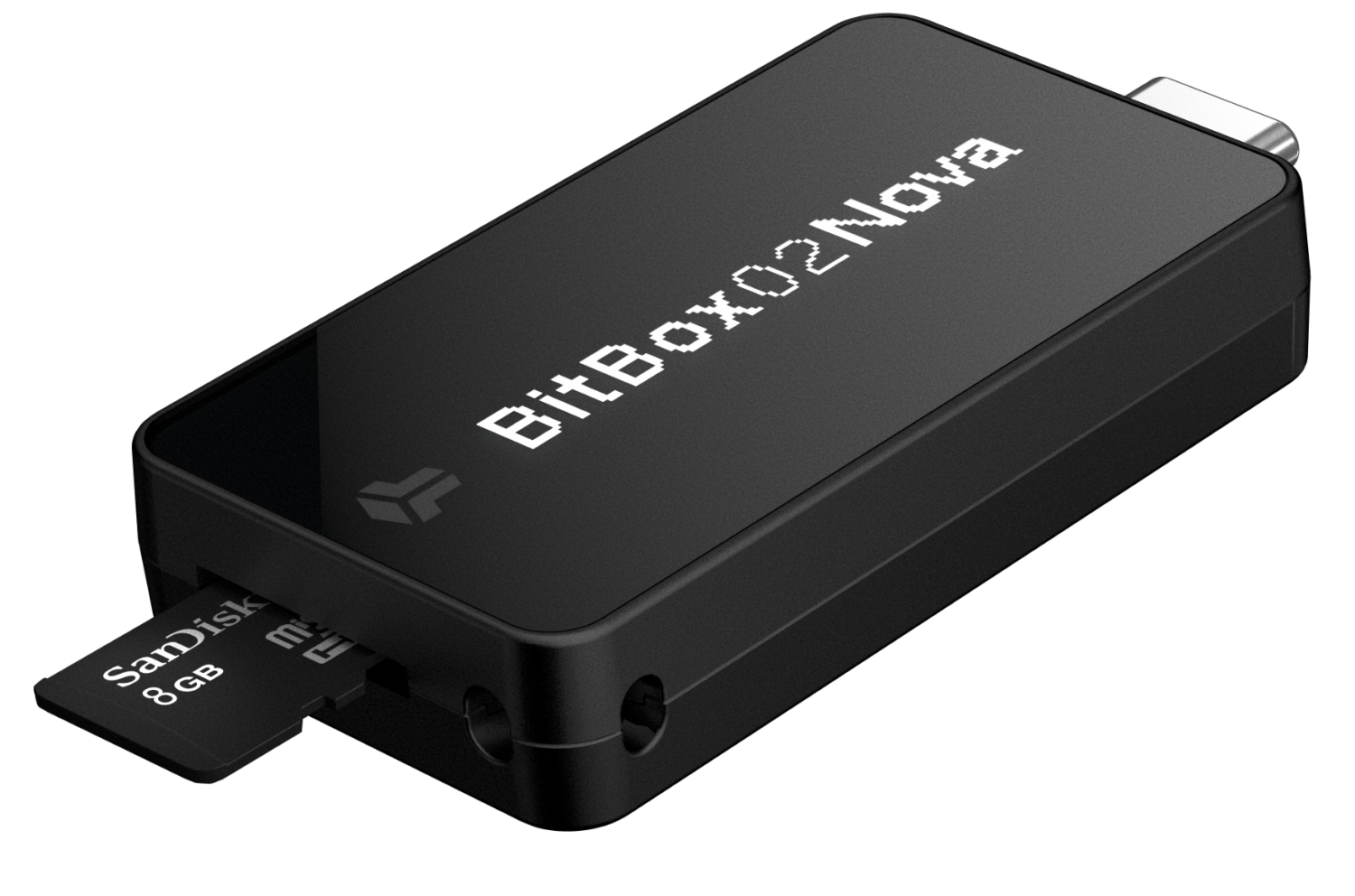
The BitBox02 Nova is a Swiss-made hardware wallet that offers top-tier security for your digital assets. This guide walks you through the initial setup process, ensuring your private keys remain secure and your device is ready for use on all major platforms, including iOS and Android.
Prerequisites
- A genuine BitBox02 Nova device.
- A compatible host device (PC, Mac, Linux, Android, or iOS).
- The latest version of the BitBoxApp.
- The included microSD card for automated backup.
Step-by-Step Setup Guide
- Download BitBoxApp: Visit the official BitBox website to download and install the app for your platform.
- Connect the Device: Plug your BitBox02 Nova into your computer or mobile device. Use the provided USB-C cable if necessary.
- Verify Authenticity: The app will automatically check if your device is genuine and running official firmware.
- Insert microSD Card: Slide the microSD card into the BitBox02 Nova. This card will securely store an encrypted backup of your recovery words.
- Create Wallet: Choose "Create Wallet" in the BitBoxApp. You will be prompted to set a device password directly on the BitBox02 touch sensors.
- Confirm Backup: The device will back up your 24-word seed phrase to the microSD card. Verify the date and time on the device screen.
Technical Specifications
| Feature | Specification |
|---|---|
| Secure Chip | EAL6+ Certified (NDA-free) |
| Screen Type | OLED (128 x 64 pixels) |
| Connectivity | USB-C (High-speed) |
| Platforms | Windows, macOS, Linux, Android, iOS |
| Backup Method | microSD card (Automated) / 24-word Mnemonics |
Common Pitfalls & Security Tips
- NEVER share your device password or recovery words with anyone.
- Only download the BitBoxApp from
bitbox.swiss. - Store your microSD backup card in a separate, secure physical location from your device.
- If you lose your device, you can restore your wallet on a new BitBox02 using the same microSD card.
Setup Progress Tracker
Use this interactive checklist to keep track of your progress during the setup.
0% Complete